Your folders stay yours
Organize an ordinary Finder folder tree. Folder Steward never locks your documents inside a proprietary library.
 Folder Stewardby My First Home Inc.
Folder Steward for macOS
A private, local-first way to organize everyday documents while keeping your real Finder folders as the source of truth.
Designed for macOS 14 and later · Coming to the Mac App Store
A calmer file system
Folder Steward helps with the repetitive work, then lets you approve what happens.
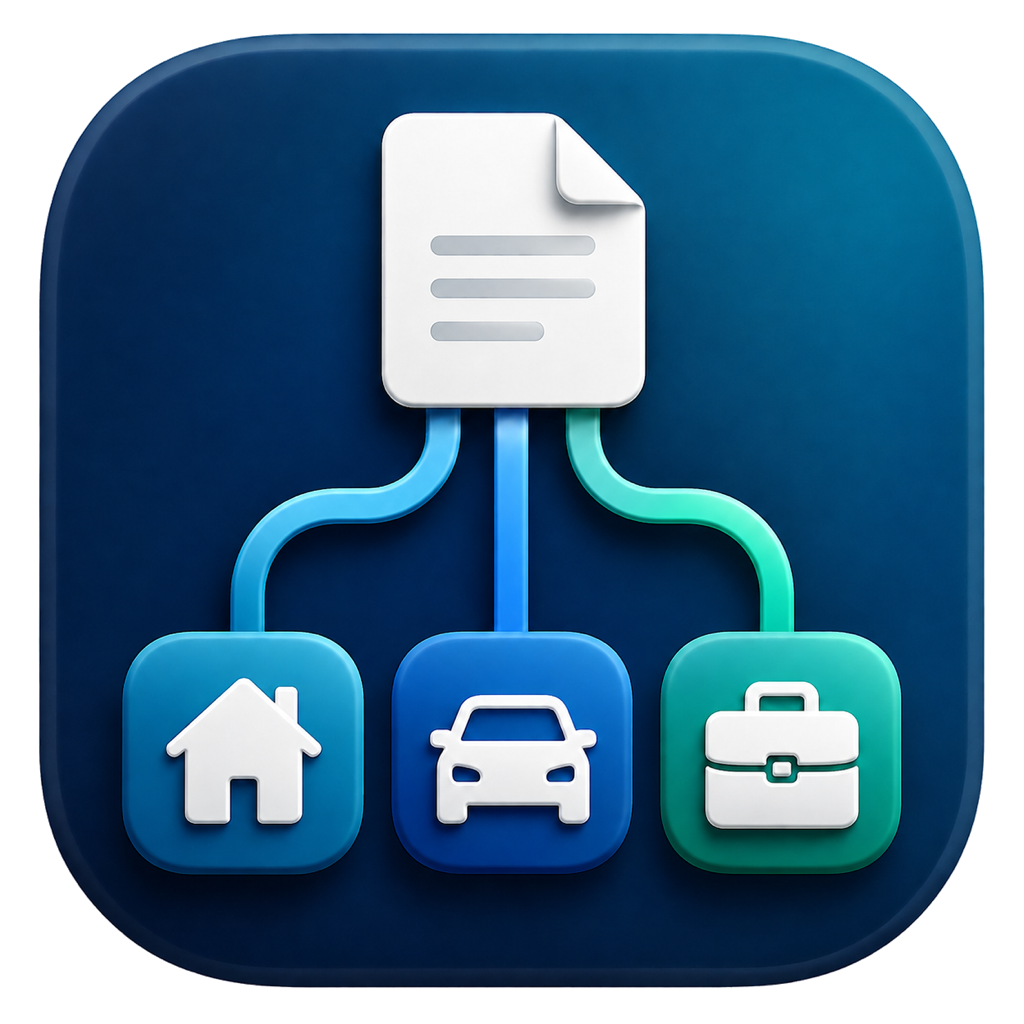
Organize an ordinary Finder folder tree. Folder Steward never locks your documents inside a proprietary library.
Search filenames and locally extracted text within the folder or subfolder you choose.
Get editable folder and filename suggestions based on document content and the way you organize similar files.
Drag files and folders to another folder, review the destination, then confirm. Recent supported file changes have individual undo options.
Create an automatically verified ZIP or password-encrypted backup. Restore separately, or review a merge into your current repository.
OCR, search, and suggestions run on your Mac. There are no accounts, advertising, analytics, or cloud AI.
Add files or folders from the large drop area on any folder page. A separate Review & File window shows files as they are read, with bulk choices for names and locations.
In Review & File, each file has a 20-second analysis limit. If analysis takes longer, choose the name and destination manually, or retry. Files are never filed automatically on timeout.
Select extra exact duplicates together during repository reassessment, review which copies stay, then confirm. Similar documents remain warnings, not automatic removals.
Organization that fits your life
Editable templates help keep receipts, statements, and tax records with the right property, person, vehicle, or company. Existing matching folders are preferred; uncertain details stay yours to confirm.
PropertiesPersonal, Corporate, and Sold Properties branches, with street-number-and-name folders
Tenants and taxesTenant records and tax documents grouped by year
Statements and receiptsStatements by bank, account, and year; receipts by their purpose
Your choiceCustomize the template in Settings → Organization
Simple filing allowance
No timed trial. No subscription. See how many free spaces remain in the app, then choose whether to unlock Unlimited at Apple’s displayed local price.
The allowance counts files currently in your selected repository, including subfolders—not lifetime imports. At the limit, your existing files, search, organization, exports, backups, and restore remain accessible.
Understand the allowance and restore purchasesPrivate by design
Folder Steward does not require an account and does not include tracking, advertising, telemetry, third-party analytics, or cloud AI. Apple’s purchase services use a network connection, but document contents are not sent with purchases or to us. If you choose iCloud Drive or another synced folder, that provider handles synchronization. You choose where your files and backups live.
My First Home Inc.
Find setup instructions, answers to common questions, and troubleshooting guidance.
Visit Folder Steward Support